

EA · MT5 · VPS
Install the TV2MT5 Bridge EA: license key, WebRequest, and VPS
28 Aug 2026 · Updated 13 Oct 2026 · 7 min read
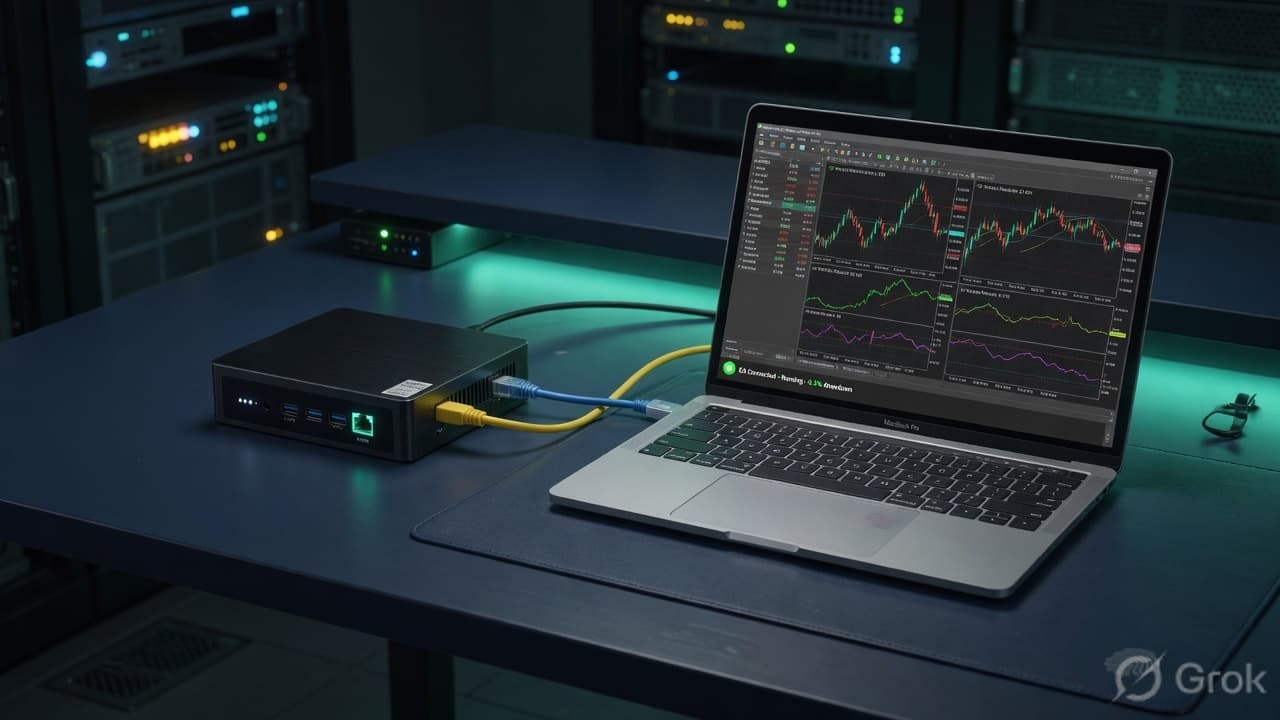
The Expert Advisor is the only process that talks to your broker. PineConnector never logs into MT5. If the EA is not running, queued signals wait — then fail after delivery retries. Treat the terminal like production.
Install
- Download
TV2MT5Bridge.ex5from the dashboard (also linked in Docs). - Copy it into
MQL5/Experts. No compile step — refresh Navigator. - Tools → Options → Expert Advisors: allow automated trading and WebRequest for your PineConnector domain.
- Attach the EA to any chart. Paste
InpLicenseKeyfrom Settings. SetInpApiBaseUrlto the same origin as the app.
How you know it is connected
The dashboard MT5 account card should show connected, the last poll time, and a symbol count after Market Watch uploads. The EA posts equity with that snapshot. Polling defaults to 1 second through InpPollSeconds. InpApiBaseUrl defaults to https://pineconnector.in. Change it only if your app origin is different, and allow that exact origin under WebRequest.
VPS vs home PC
A Windows VPS is the usual setup: fewer disconnects, the EA keeps polling overnight, and sleep cannot freeze the timer. Home PCs work for a test. They stop when the lid closes. Plans on this site are listed under Windows VPS.
Plan limits apply to *new* terminals. Starter is one MT5 account. Reconnecting the same login does not consume an extra slot. Upgrade on Billing before attaching a second book.
After the terminal connects, confirm symbols in the mapping guide. The full checklist is the setup guide. Create an account to get the license key.