
CoinDCX · TradingView · Crypto
TradingView to CoinDCX: alerts to USDT-M futures
13 Oct 2026 · 8 min read
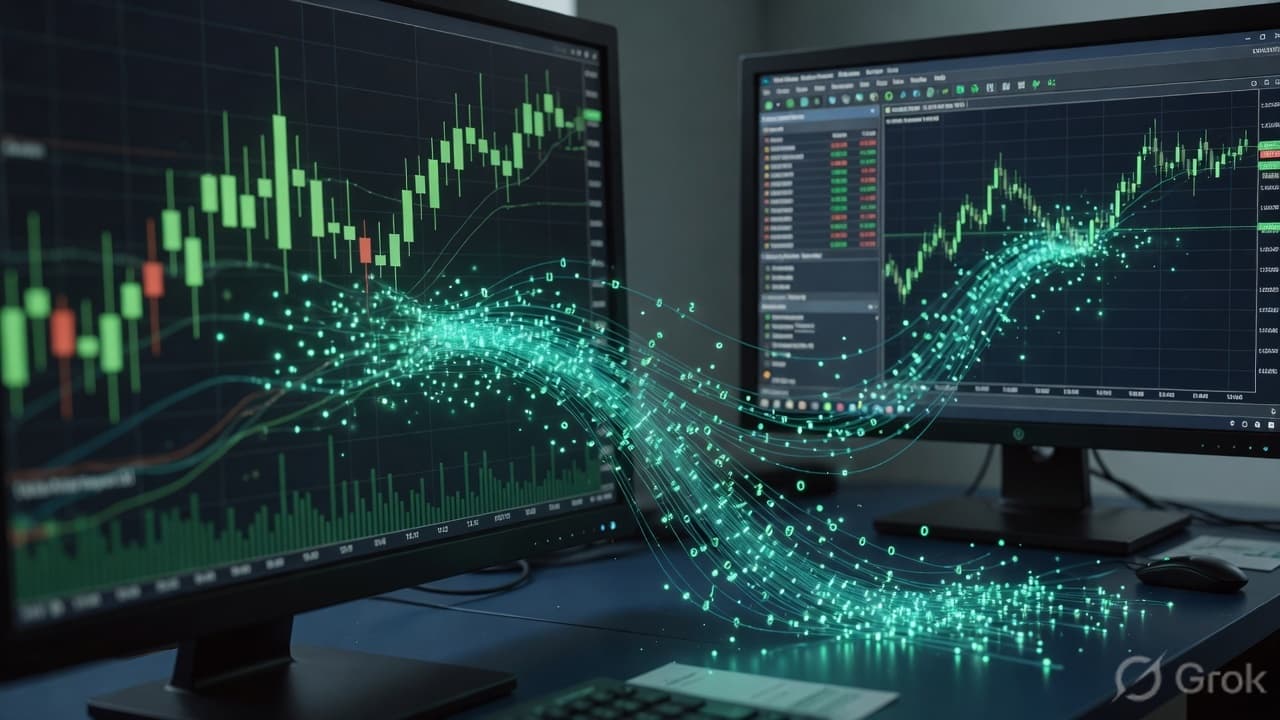
A TradingView alert does not talk to CoinDCX. PineConnector receives the webhook and, if CoinDCX has Send alerts here enabled, places a market order on CoinDCX futures. You paste an API key and secret in the dashboard. They are stored encrypted. No MT5 password is involved, and the MT5 Expert Advisor does not have to be running for this destination.
What is supported
- USDT-M futures.
BTCUSDandBTCUSDTauto-map towardB-BTC_USDT. - An INR-quoted instrument can map to
I-BASE_INRwhen CoinDCX lists it. - buy, sell, close, closelong, and closeshort go out as market orders.
- Limit alerts are not sent. The trade log records that refusal.
- Stop-loss, take-profit, and trailing on the CoinDCX card can attach protective stops after an entry. Spot orders are outside this integration.
Setup
- Sign up and copy the unique webhook.
- On Exchanges, connect CoinDCX with the API key and secret.
- Enable Send alerts here. Trial and Starter keep a single live exchange. Pro allows 3 and Multi allows 10, the same cap as MT5 accounts.
- Use the JSON message from the webhook guide. Strategy alerts should send the strategy order action.
Quantity
MT5 lot size is not reused. If the CoinDCX symbol row has a quantity, that quantity is the order size. If it does not, the amount on the exchange card is treated as margin and converted with the leverage on the card. Check the mapped symbol before the first live alert. A wrong futures contract is a real position.
The card also has a kill switch, a max daily trades toggle, and a drawdown pause. Those block new entries. They do not close a position for you. Send a close alert, or close it on CoinDCX, when you want to be flat.
Failures you can read in the log
- Missing or unmatched symbol — confirm the mapping.
B-BTC_USDTis not the same string asBTCUSDT. - Not enough margin — the error includes the required amount and what the wallet showed.
- Unsupported action — the alert asked for a limit. Switch it to a market buy, sell, or close.
- Alerts turned off — another exchange is using the only slot on your plan, or Send alerts here is off.
CoinDCX and Delta Exchange are separate connections. Enabling one does not copy positions to the other. On a one-exchange plan, enabling the second turns the first off.
Compare the perpetual path in TradingView to Delta Exchange, or go back to MT5 if the fill should happen at a broker. Field notes are in the docs.